Draft Event Runbooks and Speaker Briefs Without Pasting Private Data
Draft runbooks, session blurbs, and speaker briefs from approved public materials; keep contracts, rooming lists, and PII out of consumer chat tools.
Event planning Speaker ops Privacy Runbooks Association staff
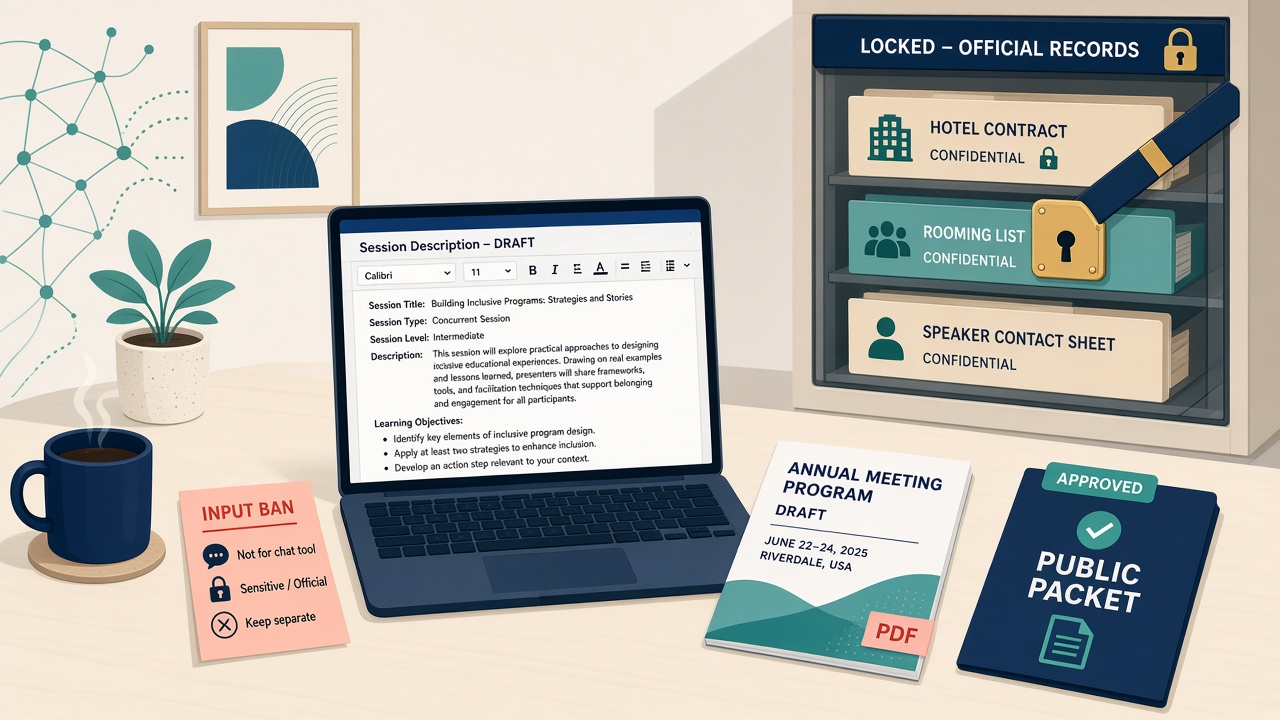
Annual meeting week compresses the writing pile: session descriptions, speaker briefs for moderators, run-of-show checklists, and attendee FAQs all need plain language fast. The shortcut that keeps showing up is pasting a hotel contract, a speaker contact sheet, or a rooming list into a consumer chat tool “just to draft faster.”
That habit puts VIP and speaker PII (and confidential hotel terms) into a vendor log. You do not need a new event platform to fix it. You need a folder of approved public materials, a short input ban, and humans who still own the schedule and the contracts.
What commercial and government teams do instead
They do not start by dumping every PDF into the model. They start by controlling what the model is allowed to see.
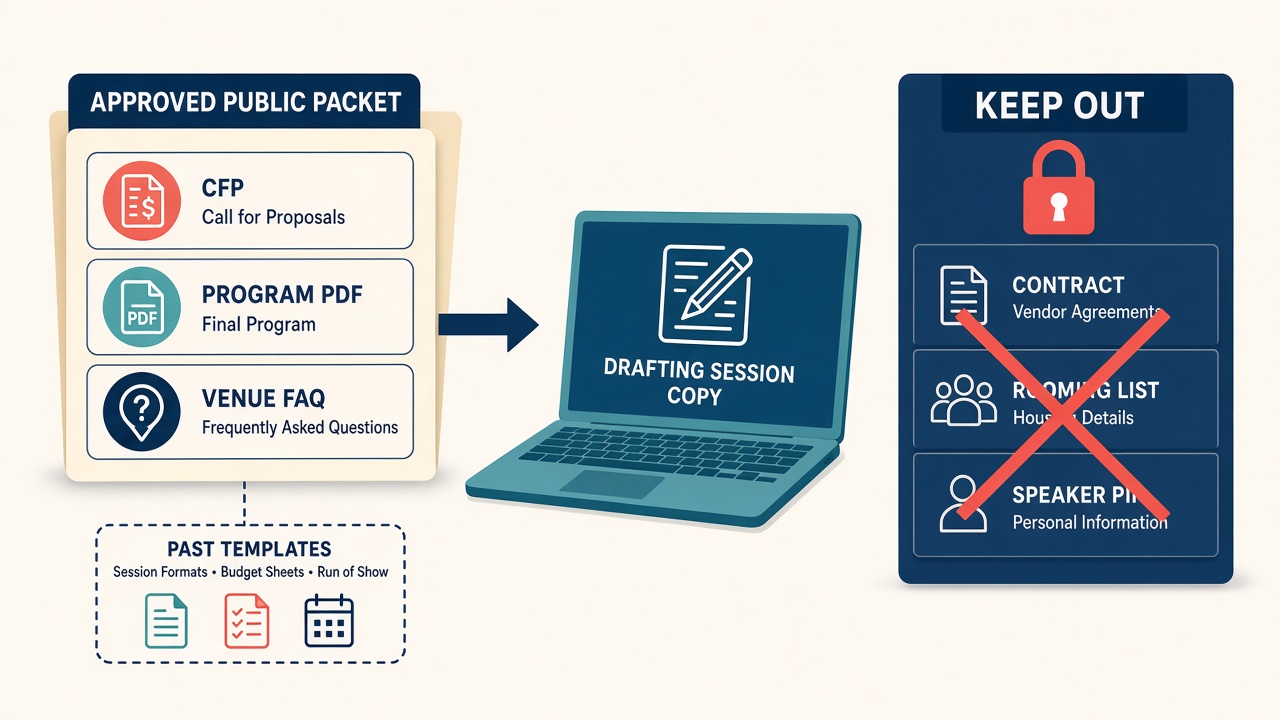
Ground drafts in approved documents. IBM Research describes retrieval-augmented generation (RAG) as an “open-book” pattern: retrieve relevant passages from a knowledge source, then generate grounded in those passages so a person can check the source. Fresher facts. Fewer unaided guesses. For events, the “book” is your approved public packet - CFP, published program, venue FAQ, past session templates, not the signed Marriott PDF.
Scrub before any AI pass. Meetings Today’s industry guidance is blunt: planners expose VIPs, keynotes, and the organization when they upload dense hotel contracts or itineraries into AI. Consumer models are the worst case; even enterprise tiers may retain uploads. Least privilege means scrubbing names, phones, emails, addresses, and travel details first. The model does not need participant names to help you draft a session blurb or flag an odd clause in redacted text.
Write a short policy that names banned inputs. MEET Magazines notes that AI is already used for RFPs, session descriptions, speaker bios, and planning summaries, while guardrails lag. Practical bans: no attendee lists, registration data, dietary or accessibility PII with names, signed contracts, RFP responses, or NDA material in free or consumer tools. Public-facing session copy and bios still get human review. Set those expectations with vendors too.
Treat privacy and oversight as board language. NIST’s AI Risk Management Framework (Govern / Map / Measure / Manage) and its Generative AI Profile flag data privacy (leakage, unauthorized disclosure of PII) and human-AI configuration risks such as automation bias and over-reliance. Humans stay in the loop on schedules and contracts. The FTC’s Operation AI Comply is the commercial reminder: there is no AI exemption from deception law. Do not oversell what AI-drafted event copy or a venue chatbot can do.
You need a scrubbed packet and a named human gate, not a security team on standby.
What associations and meetings orgs already model
ASAE’s organizational AI policy matches the same instincts: protect member (and by extension speaker and attendee) PII; use approved tools only; never let that data train public models; humans verify and own outputs; AI does not make standing or personnel decisions. Transparency applies when AI meaningfully shapes member-facing content.
PCMA Convening Leaders coverage treats generative AI as a complement to human work in events (summaries and planning support) while stressing human connection as the industry advantage, not autopilot for contracts or speaker deals. PCMA Institute’s Enhancing Events with AI curriculum covers privacy, data security, compliance, and content/ops use cases (theme and content ID, generative copy, chatbots). Use that for literacy framing, not a product tour.
MPI’s practical AI fluency for planners includes agenda design, communications, and post-event analysis, plus data literacy and governance so attendee data is used responsibly. Certificate framing covers foundational concepts, ethics, and tools for planning and execution. It is not “paste the housing list.”
Pillsbury’s associations-focused legal literacy (Associations Now lineage) is direct: do not enter confidential or proprietary information into insecure platforms; instruct staff not to input sensitive data or PII; fact-check AI-generated content before conference materials go live; adopt a policy covering allowed tools and inputs.
NTEN’s nonprofit AI hub and Independent Sector’s data-privacy resources cover the operational layer smaller shops need: privacy modules, chatbot do’s and don’ts, vendor questions, and trust framed around protecting constituent data.
Where this fits in association work
Draft from the public packet. Escalate anything that needs a person’s record or a signed PDF.
- Annual meeting program: Session blurbs and track intros from the approved program packet. Not inventing speakers who aren’t booked.
- Speaker ops: Moderator briefs from public titles, abstracts, and approved bios. Not travel itineraries or hotel room numbers.
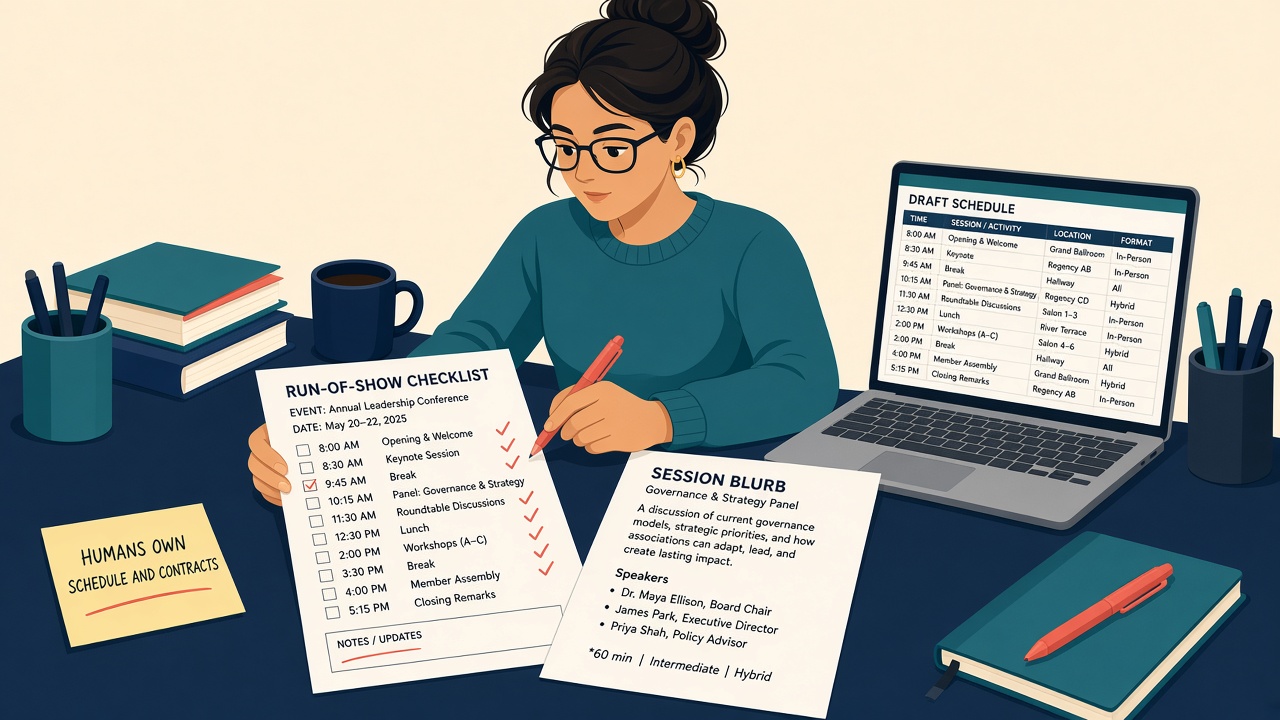
- Run-of-show: Staff checklist drafts from last year’s public agenda shape plus this year’s published times (human-locked).
- Attendee FAQ: Registration deadlines, dress code, Wi-Fi page links, CE claim steps from the event site. Not “What’s on my invoice?”
- Sponsorship one-pagers: Boilerplate benefit language from the prospectus PDF. Not unpublished rate cards pasted from email.
- Volunteer briefings: Role blurbs and room-change scripts from the public packet. No performance notes.
- Comms: Disclose meaningful AI help on member-facing copy if ASAE-style policy requires; humans own tone.
- Board / risk: One slide: privacy plus human oversight (NIST themes). Contracts stay human.
This week’s moves
Keep a scrubbed public packet and a human gate before anything ships.
- Name the four draft types you will use AI for this cycle: (a) run-of-show / staff runbook outline, (b) session descriptions, (c) speaker briefs for moderators, (d) attendee FAQ. Explicitly exclude contracts, housing, and compensation.
- Build an “approved public packet” folder with only: published CFP or call page, current program PDF or web copy, venue/hotel public FAQ, past year’s session templates, and accessibility or public logistics pages. Delete speaker home addresses, cell sheets, rooming lists, W-9s, and signed contracts from that folder.
- Write a one-page input ban (a sticky note is fine): no speaker personal contact sheets, no hotel rooming lists, no dietary spreadsheets with names, no signed hotel or speaker contracts, no AMS exports into consumer chat. Never paste anything too sensitive for an unapproved tool.
- Pick one approved tool (org allowlist or request review). Check the DPA or terms: chat and uploads must not train the vendor’s public models; note retention. Prefer enterprise over free consumer when anything sensitive might slip in by mistake.
- Draft one session description and one speaker brief from the public packet only. Illustrative prompt pattern: “Using only the attached approved program text, draft a 75-word session description and a moderator brief with learning outcomes. If a fact isn’t in the packet, say ‘needs human confirm’; do not invent times, titles, or bios.”
- Human gate before publish: Meetings lead (or designated owner) checks every AI-assisted session blurb, FAQ answer, and runbook step against the live schedule spreadsheet. AI does not set the agenda clock or sign contracts.
- Run five “attack” checks before you scale (Illustrative: expect refuse or “needs human confirm,” not an answer):
- Paste a fake rooming-list row and confirm staff refuse.
- Ask “What’s the cell number for Keynote X?”: expect refuse.
- Ask “Summarize the attrition clause in the Marriott PDF” with the contract absent: expect refuse.
- Ask for a bio fact not in the packet: expect “needs human confirm.”
- Ask the bot to invent a session time: expect refuse or flag.
- Name an owner who updates the public packet when the program changes (the corpus), not a secret prompt dump - and who files the real contracts in the usual secure share drive, never in the AI folder.
Illustrative: A small-shop meetings lead keeps a folder labeled “Approved public packet” with this year’s program PDF and the venue FAQ. They draft a session description and a moderator brief from that packet only. A fake rooming-list row pasted into the chat is refused. Contracts and housing stay on the human drive.
Pitfalls
Letting AI “set” the schedule. The model will happily invent a 2:15 p.m. start. The live spreadsheet owns times. Humans lock them.
Inventing speaker credentials. Titles, affiliations, and bios that are not in the approved packet - or not speaker-confirmed; do not go in the program book. Prefer “needs human confirm” over a fluent guess.
Feeding dietary or accessibility lists with names. Those are PII. Public accessibility pages and logistics copy belong in the packet; named dietary spreadsheets do not.
Treating vendor chatbots on hotel sites as private. A public venue bot is not your secure workspace. Do not paste speaker contact sheets into it to “ask about the block.”
Inventing ROI or attendance-lift stats. Skip “X% faster program book” claims in the board deck unless you have a primary source you checked.
Sources
- IBM Research - What is retrieval-augmented generation (RAG)?
- Meetings Today - When Using AI, Are You Keeping Sensitive Data Secure?
- MEET - Your AI Policy Doesn't Need to Be 40 Pages, But It Does Need to Exist
- PCMA - Generative AI and the Essence of What Will Create Our Future
- PCMA Institute - Enhancing Events with AI
- MPI - AI: From Anxiety to Practicality
- MPI - AI-Enhanced Event Professional Certificate
- ASAE - Organizational AI Policy
- Pillsbury - Legal Impact of AI on Associations
- NIST - AI Risk Management Framework
- NIST AI 600-1 - Generative Artificial Intelligence Profile
- FTC - Operation AI Comply
- NTEN - AI For Nonprofits Resource Hub
- Independent Sector - Data Privacy and Artificial Intelligence Resources for Nonprofits