Prompt Patterns Association Staff Can Reuse Tomorrow
A reusable Role-Task-Source-Audience-Constraints-Output prompt pattern for membership, advocacy, and volunteer drafts; humans verify facts.
Communications Membership Advocacy Literacy
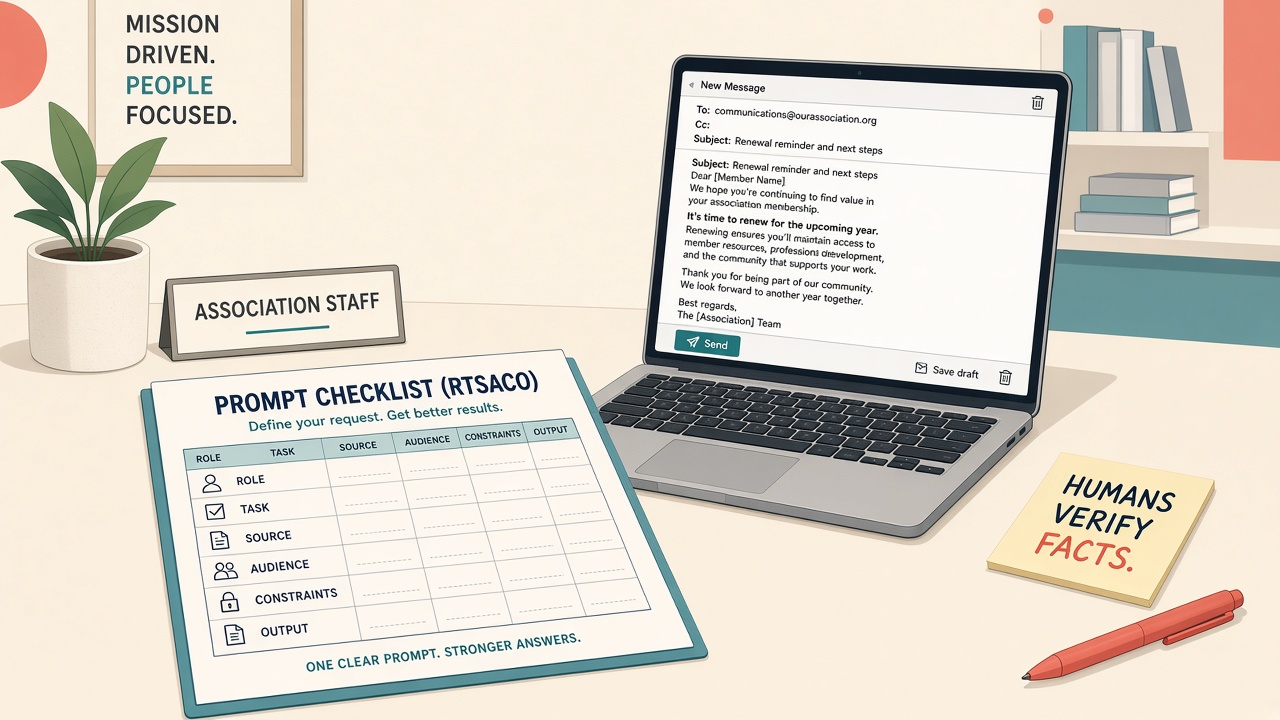
You know what generative AI is. You still open the compose box and type “write a renewal email” or “summarize this bill.”
What comes back is generic, off-brand, or inventively wrong. Membership, communications, and advocacy teams then spend the afternoon editing, or worse, almost sending a confident mistake. The problem usually isn’t the model. It’s the ask: no Role, no Source, no Audience, no Constraints. This piece teaches one reusable prompt pattern you can stick on a desk and use this week. Humans still verify facts. Day 1 covered the limits; this is the how-to-ask habit.
What commercial and government teams do instead
They structure the ask. They do not collect magic phrases from social feeds.
Google’s Gemini prompt guidance stresses clear, specific instructions over vague wishes. Name constraints: length, reading level, what not to invent. Specify the response format. Add the context the model needs instead of assuming it “knows” your statute or benefits. Use a consistent structure (labels, delimiters, a few examples) and iterate when the first pass fails.
OpenAI’s prompt-engineering practice separates identity or role, instructions, examples, and context. Put instructions up front. Be specific about outcome, length, and format. Show examples of good output. Keep reusable prompts versioned and testable rather than one-off chat folklore. Structured sections (Markdown or XML-style labels) help the model respect boundaries.
Anthropic’s Claude prompting overview starts with success criteria before polishing wording. Use clear roles, structured prompts, and examples. Treat prompting as iterative craft against a real checklist, not a hunt for secret phrases.
NIST gives the risk language boards already recognize. The AI Risk Management Framework and its Generative AI Profile (NIST AI 600-1) flag confabulation (confident wrong answers) and Human-AI Configuration risks such as automation bias and over-reliance. Structure the ask, ground it in sources you brought, and keep a named human accountable before send.
Six labeled slots and a habit of filling them are enough. You do not need a prompt engineer on staff.
What associations and nonprofits already model
Association Leadership Magazine’s advocacy piece puts it plainly: garbage in, garbage out. Spell out source material, assumptions, role, and desired output shape, then revise. A thin ask (“What does this bill do?”) underperforms a grounded ask that names the statute, the audience, and the reading level. AI can speed fact sheets and CTA drafts, but identical machine-sounding member messages burn trust. Coach personalization. Never paste PII or proprietary content into public tools.
ASAE’s catch-up and skills writing treats proficiency gaps as a leadership problem, not a side hobby. Gen AI shifts staff toward refining drafts, quality assurance, and human judgment rather than raw first typing. ASAE’s organizational AI policy matches the guardrails you need at the desk: protect member PII; use approved tools; humans verify and own outputs; AI does not make standing or personnel decisions; be transparent when AI meaningfully shapes member-facing content; prefer quality over volume.
Independent Sector’s nonprofit guidance names lack of familiarity as a top adoption barrier. Start with baby-step pilots on lower-stakes tasks, including practicing better prompts. Set data rules first. Require human modification and verification where policy says so.
Teach one pattern: Role, Task, Source, Audience, Constraints, Output
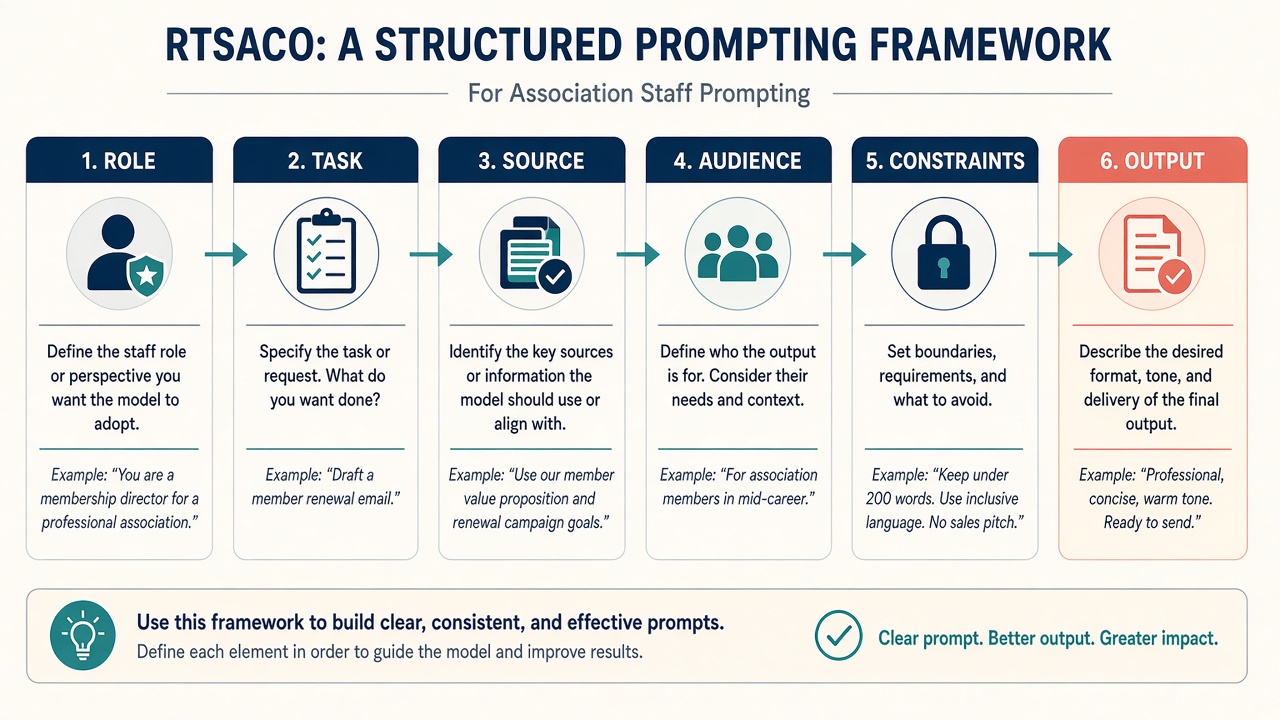
Call it RTSACO if a nickname helps. Post the six slots where you draft.
| Slot | What you fill in |
|---|---|
| Role | Who the model should act as (membership writer, advocacy plain-language editor, volunteer ops brief writer) |
| Task | The concrete verb (outline, draft bullets, propose subject lines, not “make it better”) |
| Source | Only the text you paste. If it isn’t here, the model must not invent it |
| Audience | Who reads the result (lapsed professional members, chapter chairs, committee volunteers) |
| Constraints | Length, tone, reading level, never-invent list, “needs human confirm” when Source is silent |
| Output | Shape of the reply (3 subject lines + H2 outline; bullets; one-pager skeleton) |
Illustrative: renewal email outline. Role: association membership writer. Task: outline a renewal email. Source: only the pasted benefits bullets. Audience: lapsed professional members. Constraints: friendly; ≤150 words when drafted later; no invented discounts or deadlines; if a fact isn’t in Source, write “needs human confirm.” Output: three subject-line options plus an outline with H2s.
Illustrative: advocacy alert skeleton. Role: advocacy communications editor. Task: draft a plain-language member alert. Source: only the pasted public bill excerpt (or your approved summary). Audience: busy members who are not lawyers. Constraints: short paragraphs; no legal effects the Source does not state; flag any claim that needs SME confirm. Output: subject line options (2) + alert body outline with a clear CTA placeholder. Do not paste confidential negotiating notes.
Where this fits in association work
Same pattern. Different Source folders. Escalate anything that needs a person’s record or legal sign-off.
- Membership: Renewal, onboarding, and “welcome back” outlines from approved benefits copy. Not inventing dues rates or pasting AMS rows.
- Advocacy: Bill to plain-language member alert or CTA skeleton from named Source text; SME or legal review before publish; coach members to personalize.
- Communications: Newsletter section outlines and social variants from one approved brief; quality over volume.
- Volunteer ops: Role briefing and “what we decided” recap outlines from public agenda notes. No confidential performance remarks.
- Program / education: Session blurb drafts from approved abstracts only, not inventing speakers. (Event packet hygiene is a separate desk habit.)
- Customer service: Reply outlines from FAQ or policy Source text; escalate anything that needs a person’s record.
- Board / exec: Internal one-pager: the six-slot pattern is the staff literacy habit, not a vendor slide.
- Risk / privacy: Constraints always includes “do not invent” plus never-paste PII; humans stay accountable.
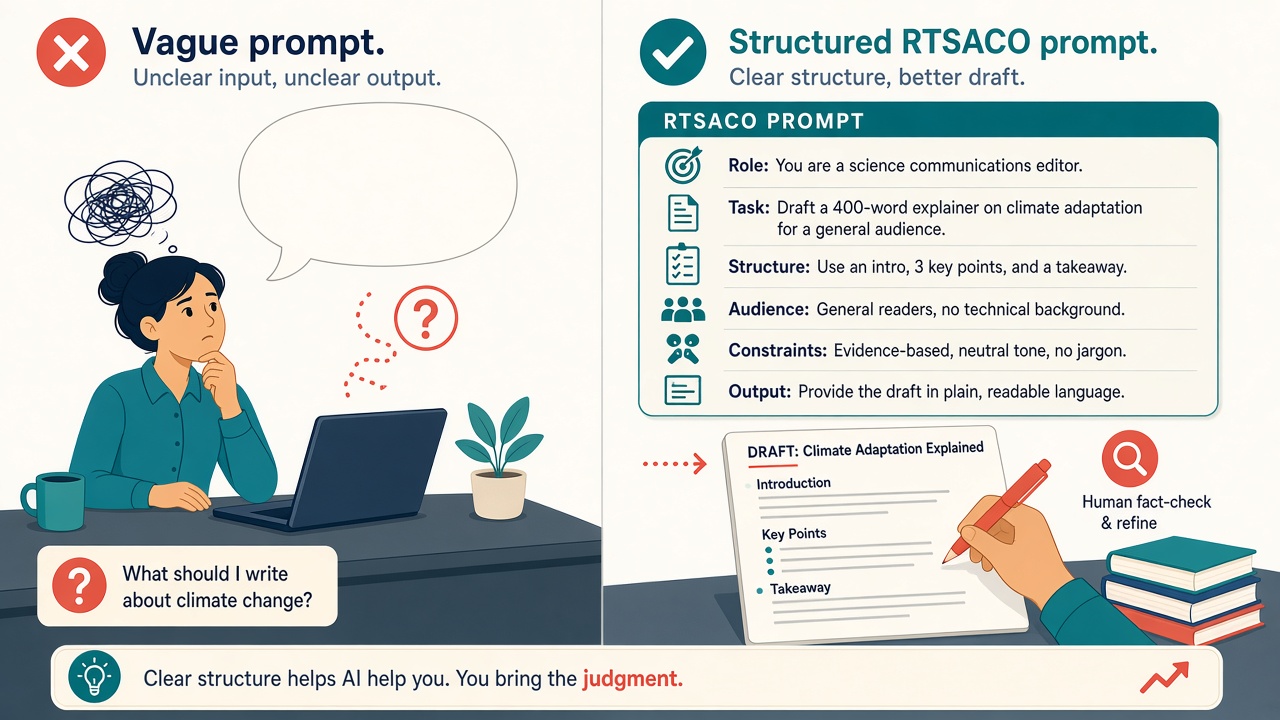
This week’s moves
Post the six slots where you draft and fill them once this week.
- Name the six slots and post them where you draft: Role, Task, Source, Audience, Constraints, Output. Nickname optional: RTSACO.
- Build a one-page template sheet in your shared drive with three blank templates: (a) membership renew / onboarding outline, (b) advocacy member alert from a bill or hearing excerpt, (c) volunteer / committee briefing. Leave labeled blanks for each slot.
- Write a never-paste line on the template sheet: no member names, emails, phones, AMS exports, donor notes, or unredacted staff contact sheets into consumer chat. Never paste anything too sensitive for an unapproved tool.
- Pick one approved tool (org allowlist or request review). Prefer settings where chats and uploads do not train public models when anything sensitive might slip in by mistake.
- Run one renew-email outline with the pattern. Use the Illustrative skeleton above: benefits bullets only, three subject lines plus outline, “needs human confirm” for missing facts.
- Run one advocacy alert draft from a short public bill excerpt or your own approved summary, not from confidential negotiating notes. Require plain language and a “needs SME confirm” flag on any legal effect the Source does not state.
- Human gate before send: Named owner checks: claims vs Source; names, dates, and fees; brand voice; no PII leaked into the chat log. AI drafts; humans own renewals, alerts, and briefings.
- Save the winning prompts next to the templates (version date + which draft type). Iterate wording once after a failed run instead of collecting random tip lists from social feeds.
Illustrative: A small-shop membership lead keeps a sticky note with the six slots next to the monitor. They paste public benefits bullets, run the renew outline, refuse a fake AMS email row, then cut to an advocacy alert with “needs SME confirm” flags before anyone hits send.
Pitfalls
Prompt tip hoarding. A folder of clever one-liners without Source and Constraints still produces generic drafts. Keep one template sheet and version the prompts that worked.
Pasting PII “just this once.” Member names, emails, phones, and AMS exports do not belong in consumer chat, even for a renewal outline. Redact first or don’t paste.
Treating the model as legal counsel. An advocacy alert that invents a bill’s effect is worse than a slow first draft. Require SME or legal review before publish. Flag anything the Source does not state.
Identical grassroots blasts. Machine-same member messages burn trust. Coach personalization after the skeleton is solid.
Inventing open-rate or time-saved stats. Leave blank any productivity number you cannot attach to a primary source you have actually read.
Spreading the pattern too thin. FAQ bots and event packet hygiene each need their own desk habits. Use the six slots for renewals, alerts, and briefings.
Sources
- Google AI - Prompt design strategies (Gemini)
- OpenAI - Prompt engineering (API docs)
- Anthropic - Prompt engineering overview
- Association Leadership - Association Advocacy in the Age of AI
- ASAE - AI as Strategic Enabler / How Association Leaders Can Catch Up
- ASAE - How Gen AI Redefines the Skills Associations Need to Thrive
- ASAE - Organizational AI Policy
- Independent Sector - Five Steps to Unlock AI’s Potential for Nonprofits
- NIST - AI Risk Management Framework
- NIST AI 600-1 - Generative Artificial Intelligence Profile