Tutorial
BeginnerSort Each Member Benchmarking Output Before an AI Tool Builds It
List every output from your member benchmarking program, record nine facts about each one, and sort it before an AI tool builds a price or pay suggestion.
Time needed: About 40 minutes for one program, plus the six practice cases
Before you start:
- The list of outputs the program produces or plans, or the vendor's proposal
- The survey instrument and the rules for how figures are collected and reported
- The vendor's data terms, if a vendor is involved
- A browser to run the lab
AI Literacy Governance Membership Surveys
By the end of this tutorial you will have one page for your member benchmarking program: every output recorded on nine facts, with a STOP, VERIFY or PASS beside it.
Try it now: the member benchmark output check lab lists six outputs from a benchmarking program at an association that does not exist. Start from a blank form, or load a practice case. As you change a field, the page sorts that output. Nothing leaves the browser. Invented examples. Not legal advice.
What the guidance actually says
The checks draw on the FTC’s Spotlight on Trade Associations (accessed November 2026) and on the Justice Department and FTC guidelines on business activities affecting workers, revised in January 2025. The worker guidelines say they “should not be construed as legal advice.” Seven VERIFY rules are ours: R6, R7, R8, R11, R13, R14 and R15.
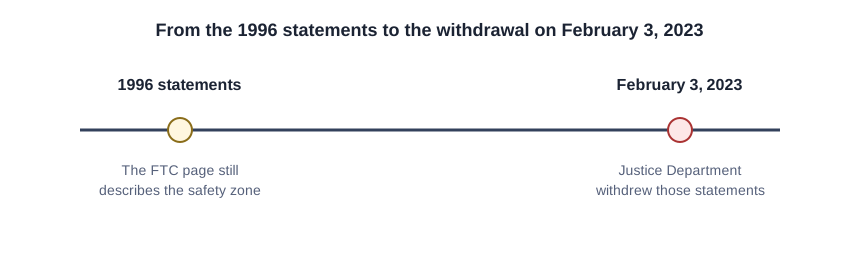
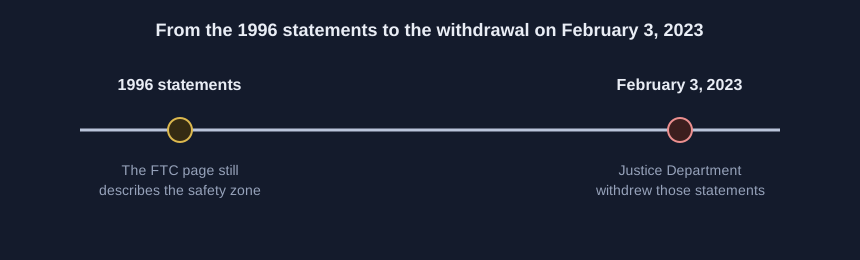
The FTC page says most trade association activities are procompetitive or competitively neutral. On February 3, 2023, the Justice Department withdrew its 1996 Statements of Antitrust Enforcement Policy in Health Care, saying they are overly permissive on certain subjects, such as information sharing. The FTC page still describes the safety zone from those statements, and relying on a zone from statements the Justice Department withdrew is a reason to verify the output with counsel.
Nine steps for one benchmarking program
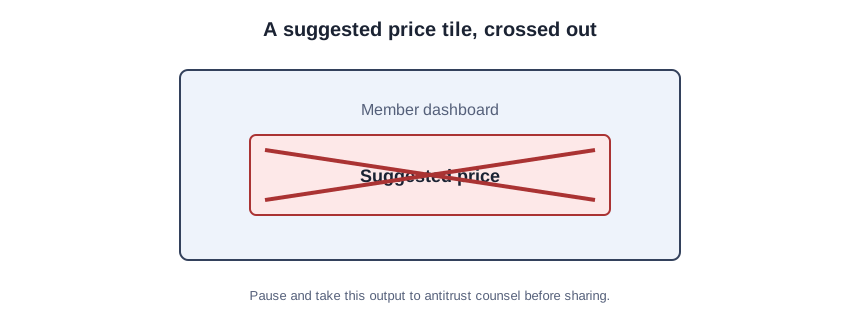
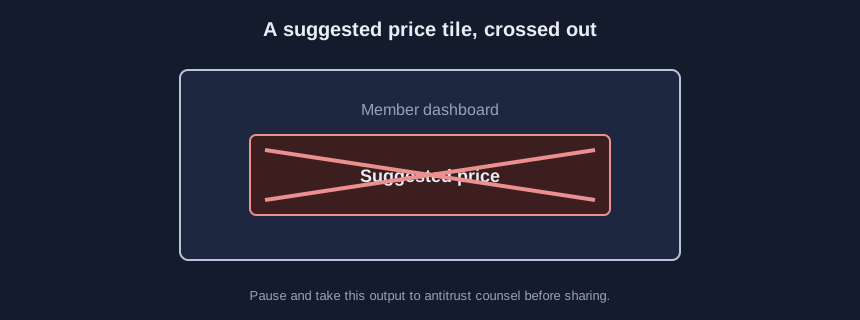
Every STOP in the steps below means pause and take that output to the association’s antitrust counsel before it is built or shared.
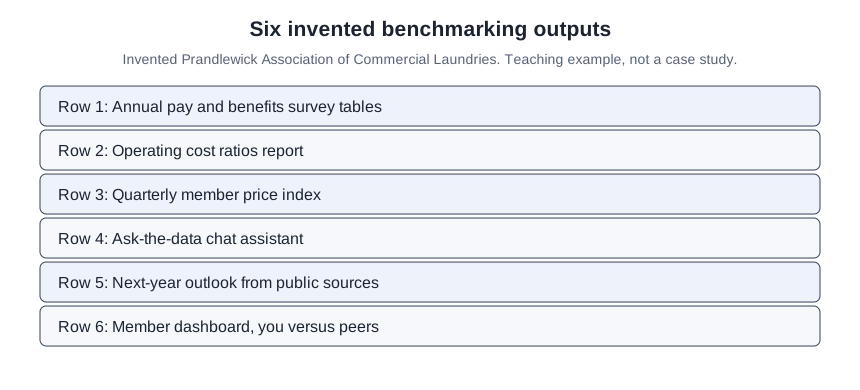
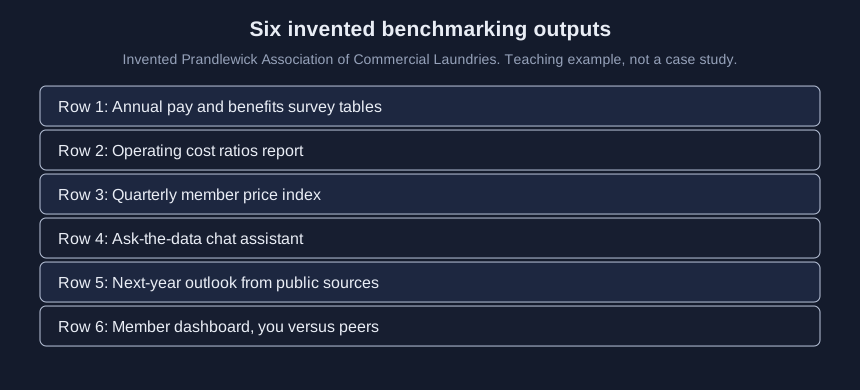
- List every output the program produces or plans, including anything an AI tool would produce. Survey tables, ratio reports, a price index, a chat assistant, an outlook, a member dashboard and a vendor proposal all belong on the list.
- Mark any output that suggests prices, or that suggests pay or benefits, to members. If an output would suggest both, record it as a price suggestion. The FTC’s Spotlight on Trade Associations (accessed November 2026) says, “For instance, it is illegal to use a trade association to control or suggest prices of members.” That is a STOP under R1. The worker guidelines say wage or benefit recommendations generated through a third party, including an algorithm, “can be unlawful even if the exchange does not require businesses to strictly adhere to those recommendations.” That is a STOP under R2.
-
Mark any output that carries members’ future plans from nonpublic submissions. The FTC page says information about future plans “should be closely guarded.” For prices or other non-pay figures, that is a STOP under R3. Future pay is R7, a VERIFY, and it is our rule: no worker guidelines sentence names future pay in its own words.
-
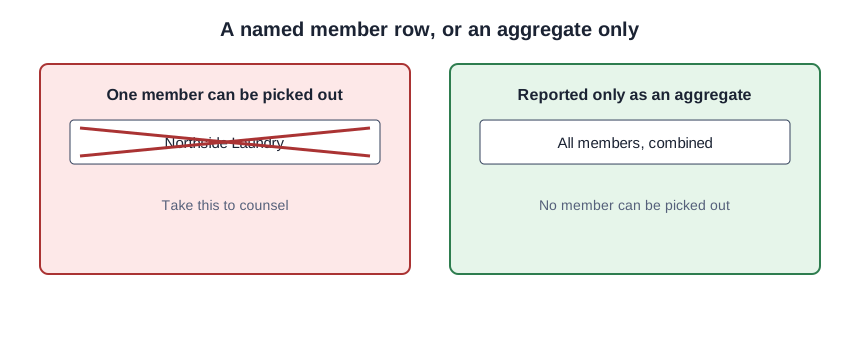
Check whether one member’s figures can be picked out. The FTC page says a data exchange that identifies individual competitors “can raise antitrust concerns if it encourages more uniform prices than otherwise would exist.” If nonpublic prices or fees identify a member, that is a STOP under R4. If the figures are pay or benefits, the worker guidelines say exchanging compensation information with a competitor “may be unlawful when the information exchange has, or is likely to have, an anticompetitive effect.” Identifiability of pay is R8, a VERIFY, and it is our rule.
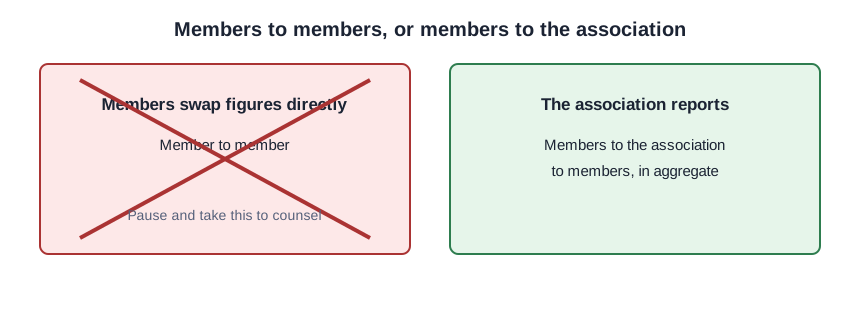
- Check who handles the figures. If members swap current or future prices, fees, pay or benefits from nonpublic submissions directly, that is a STOP under R5. The FTC page says aggregated data managed by an independent third party “raises fewer concerns,” which is not a finding that the association’s role clears the output. The worker guidelines note that an exchange through a third party can still raise concerns.
-
Check how old the price or pay data is. The FTC page says cost, non-price and historical data are less likely to raise antitrust concerns. Current nonpublic prices are R10, a VERIFY. Current nonpublic pay is R11, a VERIFY, and it is our rule. Take either output to counsel.
-
Check whether an AI or algorithmic tool builds or runs the output. The worker guidelines say, “Providing competitively sensitive information through an algorithm or through a third party’s tool or product may also be unlawful.” On nonpublic pay or benefits that is R12, a VERIFY. On nonpublic prices or fees that is R13, a VERIFY, and it is our rule. Take either output to counsel.
-
Check the basis for the program, and the vendor’s data terms. Reliance on the 1996 health care safety zone is R9, a VERIFY from the withdrawal, not our rule. No counsel review is R14, our rule. A vendor that may pool members’ data with other clients’ data is R15, our rule. Verify each with counsel. The FTC page says historical data collected by an independent third party such as a trade association and reported in aggregate “is unlikely to raise competitive issues,” for comparison only; a PASS does not clear the output.
- This tutorial is not legal advice. Run the lab, pause on each STOP, and take that output to the association’s antitrust counsel before it is built or shared. Have counsel look at each VERIFY, then file it.
Six outputs at the Prandlewick Association
This is a teaching example, not a case study. At the fictional Invented Prandlewick Association of Commercial Laundries, the six lab rows match the list in the diagram above. In Case F, the chat assistant is R1, the price index is R5 and R10, the cost report is R3 and R13, the outlook is R14 and R15, the dashboard is R6, and the annual survey tables pass. A PASS is not legal advice and does not clear the output.
Compare your page to the practice cases
Solve each practice case on paper, then load it. The six cases are A 0, 0, 6; B 0, 2, 4; C 2, 1, 3; D 1, 3, 2; E 0, 3, 3; F 3, 2, 1.
The report that still recommends a price
Leaving the vendor’s new tile off the list. If an AI add-on would suggest a price or a pay rate, it belongs on the page before anyone turns it on.
Reworking the figures until the lab is quiet. A STOP means pause and take the output to counsel before it is built or shared, not edit the data until it passes.
Treating a PASS as clearance. Nothing on this page is legal advice. A PASS does not clear the output.
Sources (3)
- U.S. Department of Justice and Federal Trade Commission: Antitrust Guidelines for Business Activities Affecting Workers (revised January 2025; government guidance)
- Federal Trade Commission: Spotlight on Trade Associations (Guide to Antitrust Laws; accessed November 2026; government guidance)
- U.S. Department of Justice: Justice Department Withdraws Outdated Enforcement Policy Statements (press release, February 3, 2023)